
Preview
See Hermes in action.
Every screen in one native app — from your first conversation to advanced scheduling, memory, and multi-platform gateways.
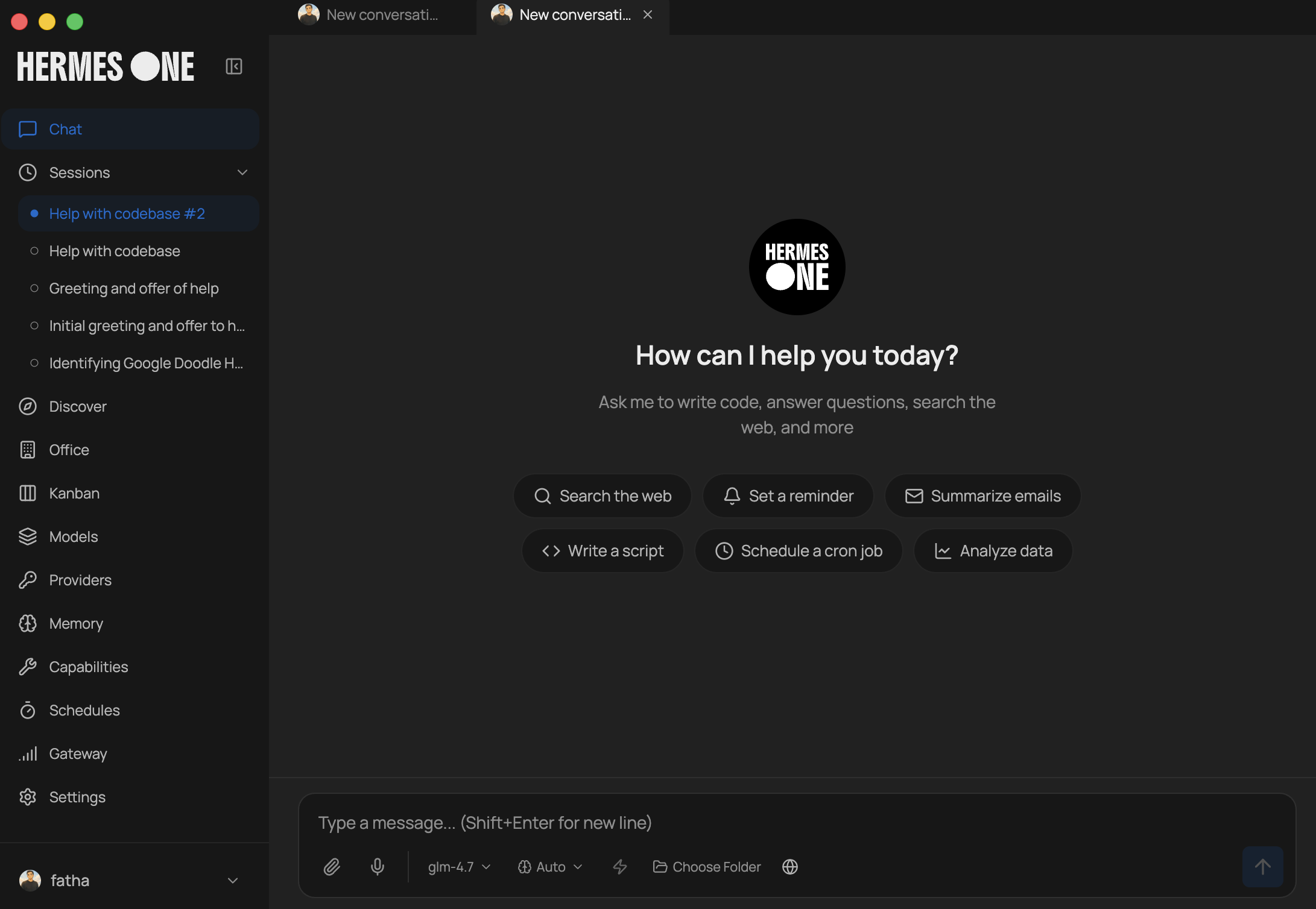
Chat
The core of Hermes. A real-time streaming conversation interface with SSE tool-progress indicators, markdown and syntax-highlighted code rendering, slash-command autocomplete, interrupt-and-redirect support, and live token usage tracking. Every tool call shows its progress inline so you always know what the agent is doing.
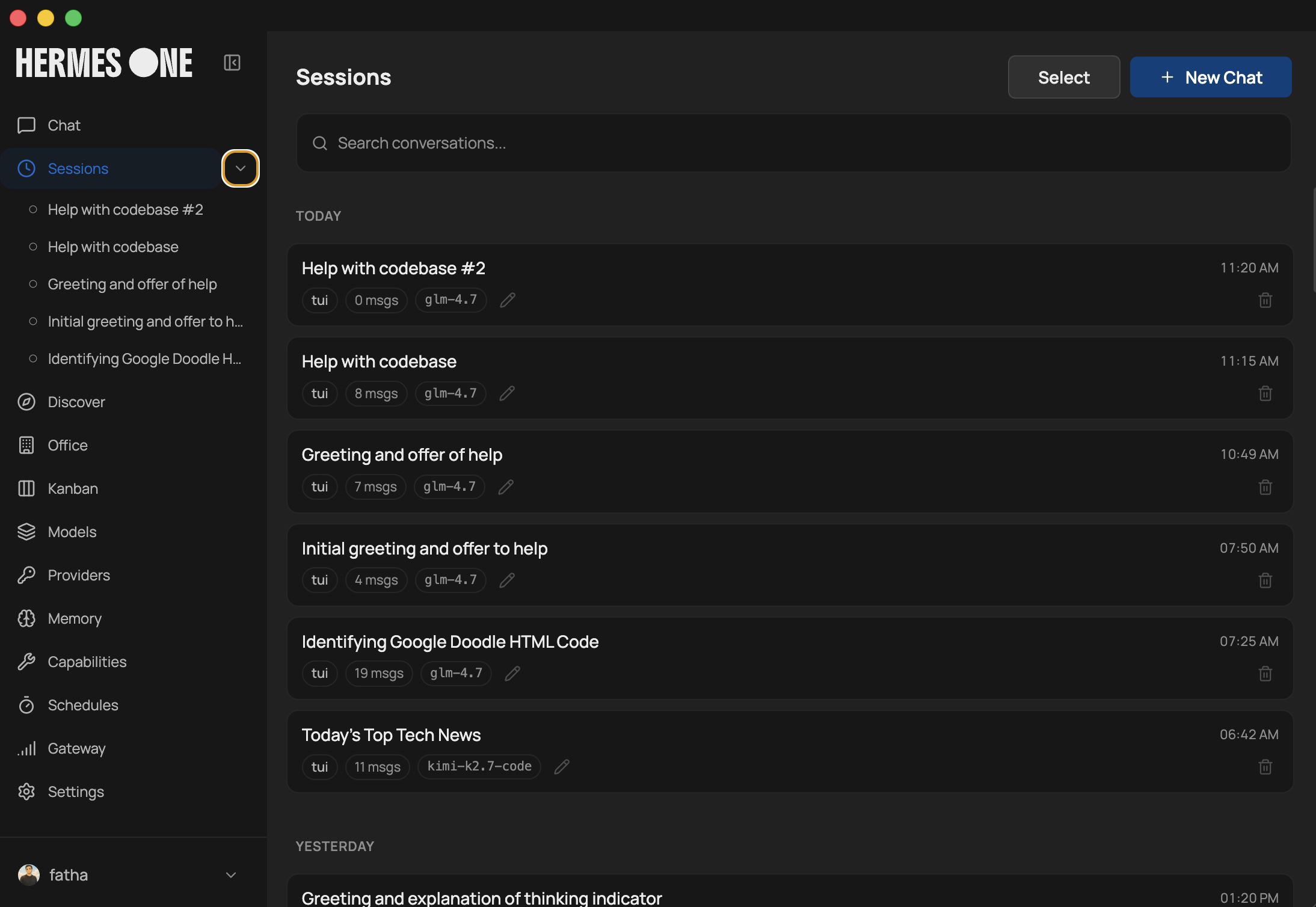
Sessions
A full history of every conversation you've had with your agent. Full-text search powered by FTS5 lets you find any past exchange in milliseconds. Click any session to resume exactly where you left off, with full context and memory intact. Hermes also uses LLM summarization to compress and recall cross-session context automatically.
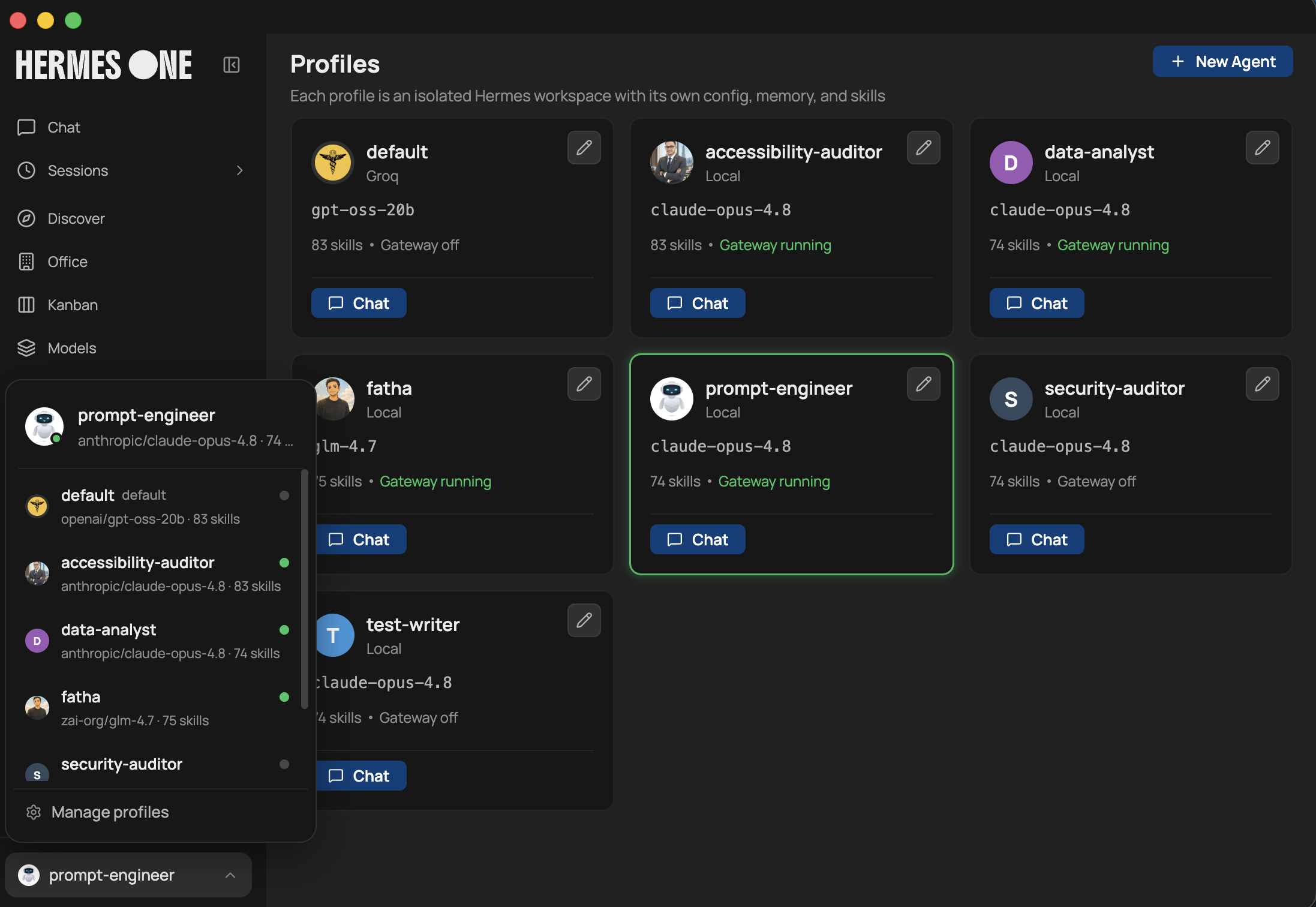
Agents
Create and manage multiple isolated Hermes profiles, each with its own persona, memory, provider config, and tool settings. Switch between a work agent, a research agent, and a personal assistant without any crossover. Every profile is fully independent, so one agent's memory never leaks into another's.
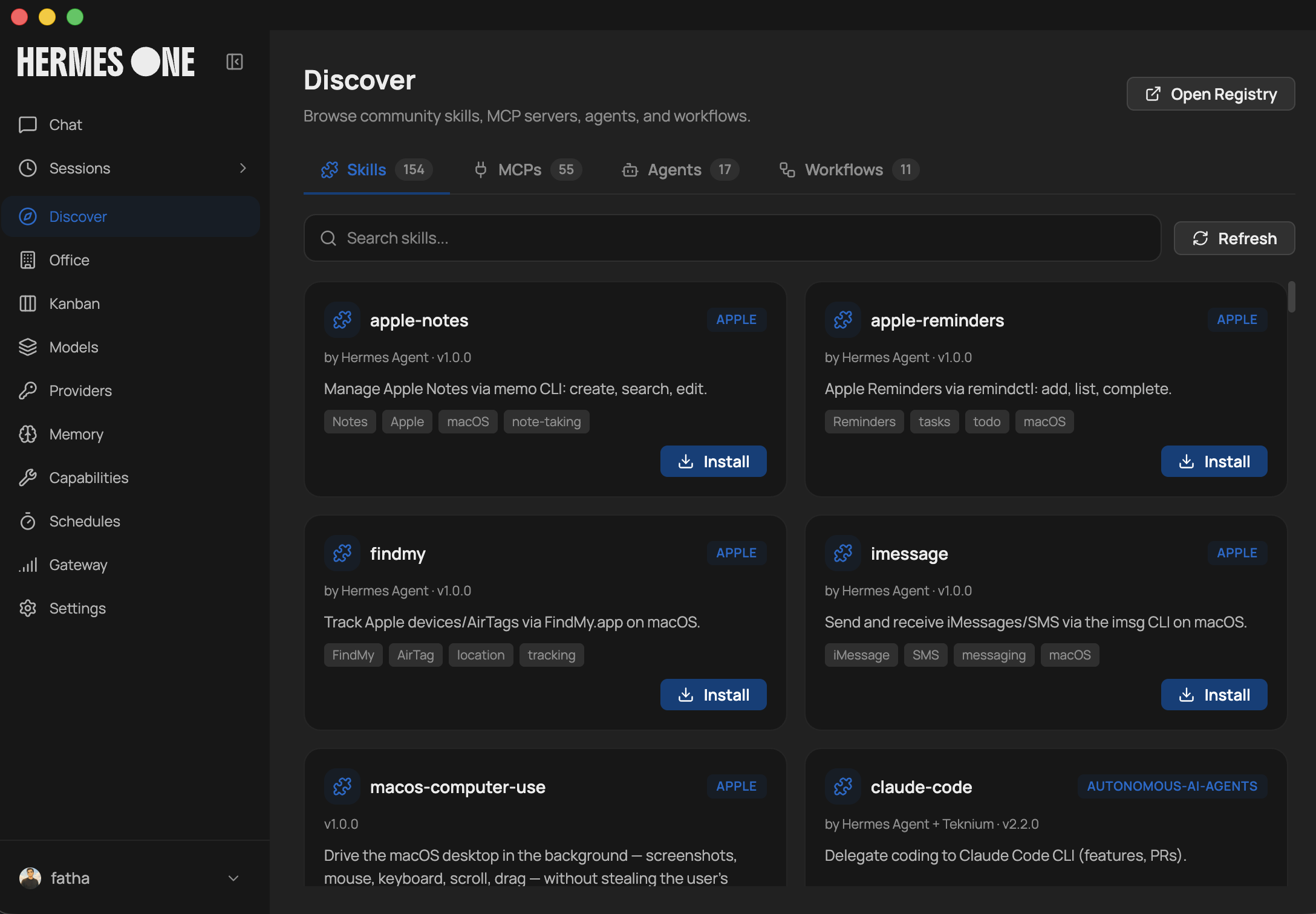
Discover
One-click import of skills, MCPs, agents, and more. Browse a curated marketplace of community-built tools and integrations, install them instantly, and extend your agent's capabilities without touching a config file.
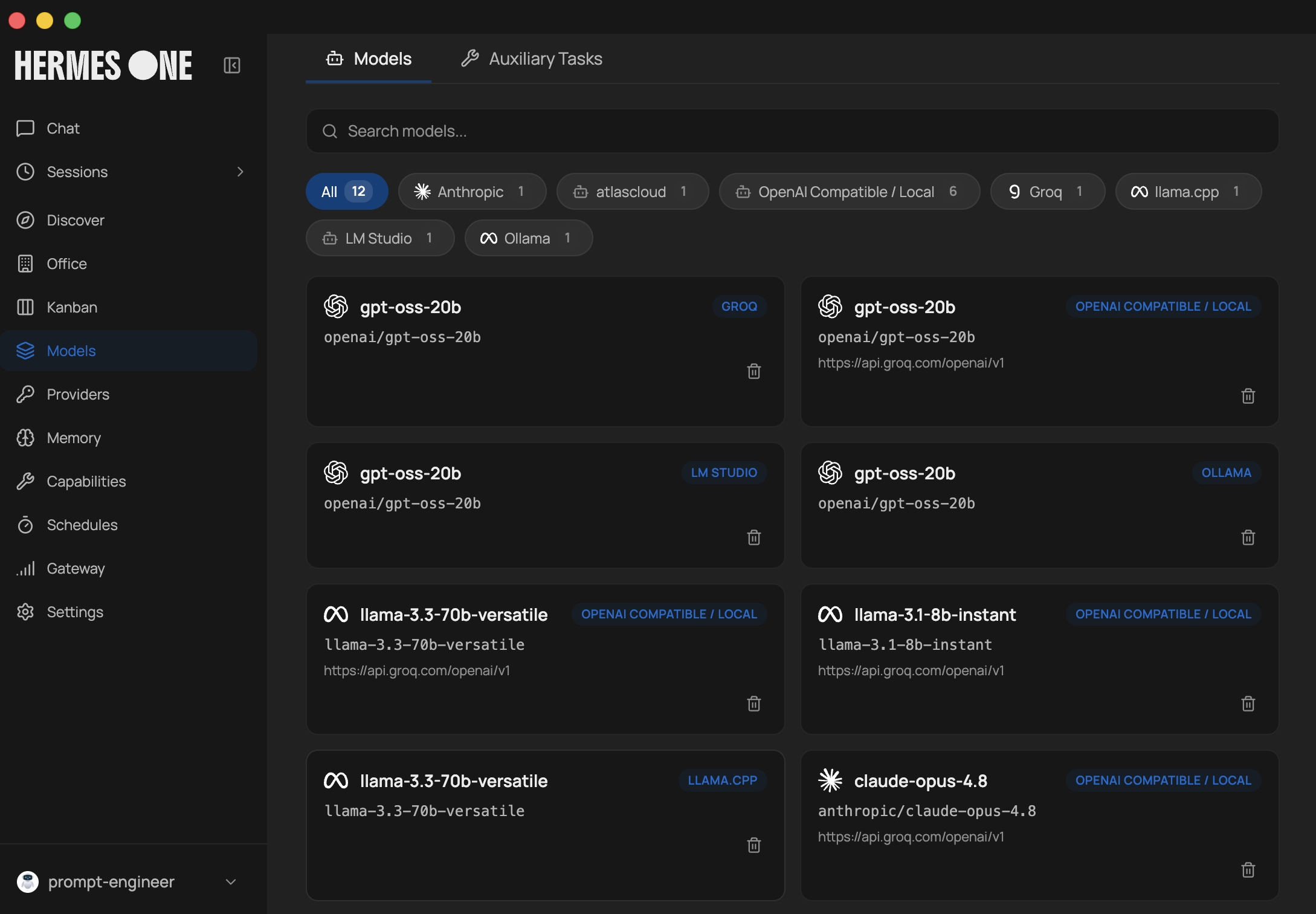
Models
Save and manage named model configurations across all your providers. Pick from Nous Portal's 300+ models, OpenRouter, OpenAI, Anthropic, Gemini, xAI, NVIDIA NIM, Hugging Face, Ollama, LM Studio, or any OpenAI-compatible endpoint. Switch your active model at any time with a single click. No restarts, no code changes.
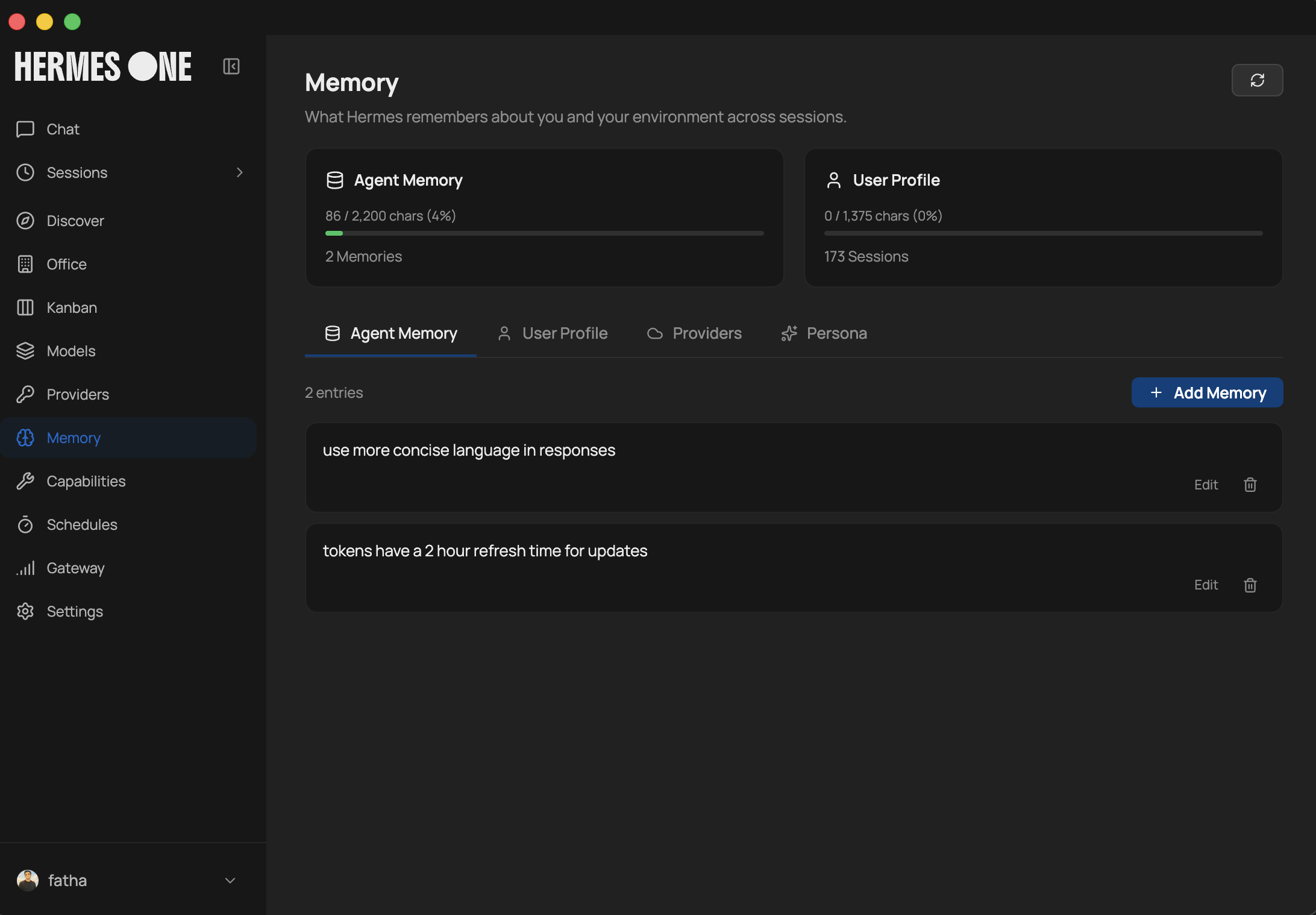
Memory
Browse and edit every memory your agent has stored about you and the world. Hermes builds a persistent user profile across sessions using Honcho's dialectic user modeling. You can view raw memory entries, correct inaccuracies, and configure which memory backend to use: Honcho, Mem0, Hindsight, or a custom provider.
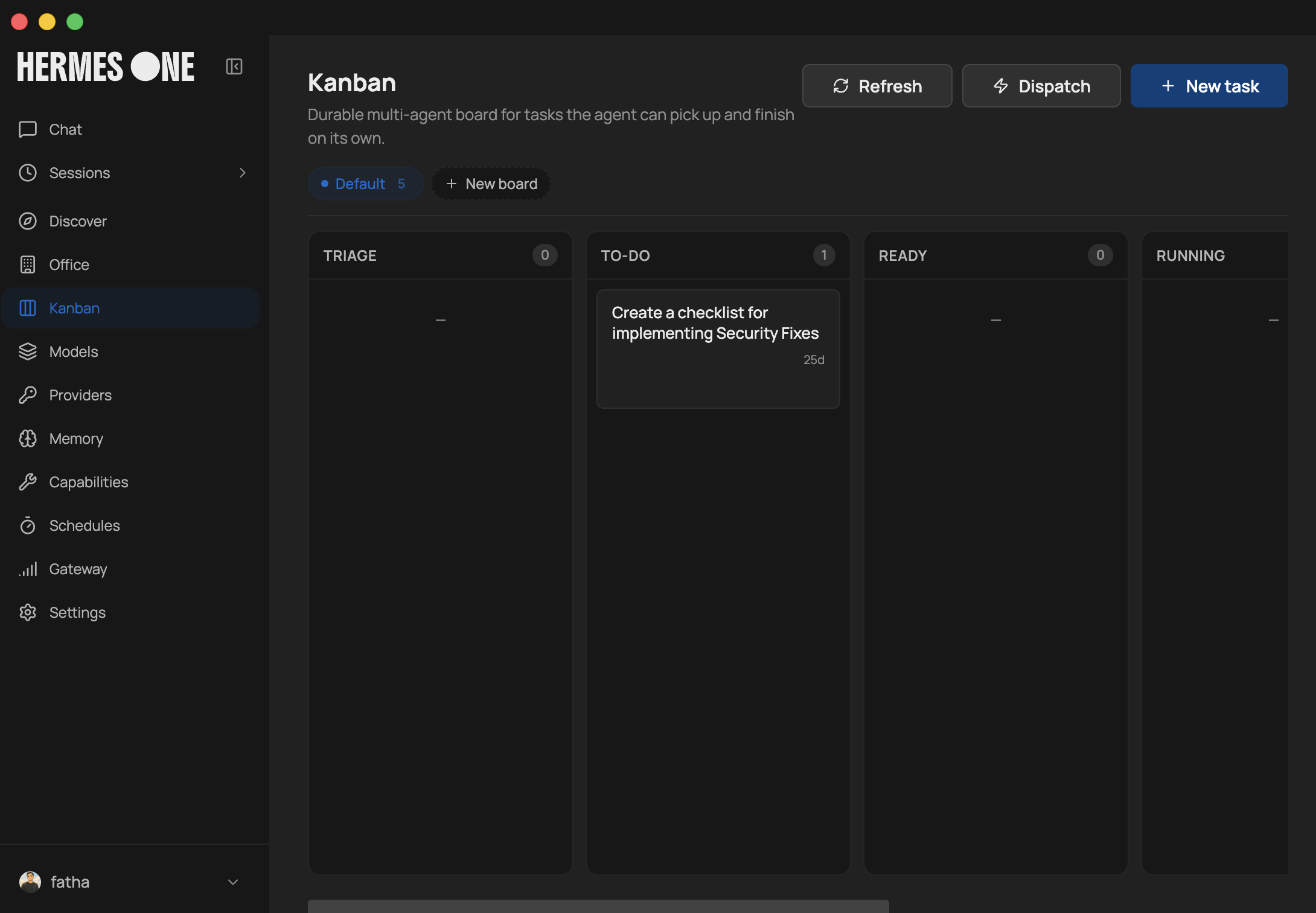
Kanban
A visual task board for tracking the agent's active workstreams, queued jobs, and completed tasks. When Hermes delegates to subagents or runs parallel workstreams, the Kanban board gives you a clear view of what's in progress, what's waiting, and what's done, all without interrupting the agent's flow.
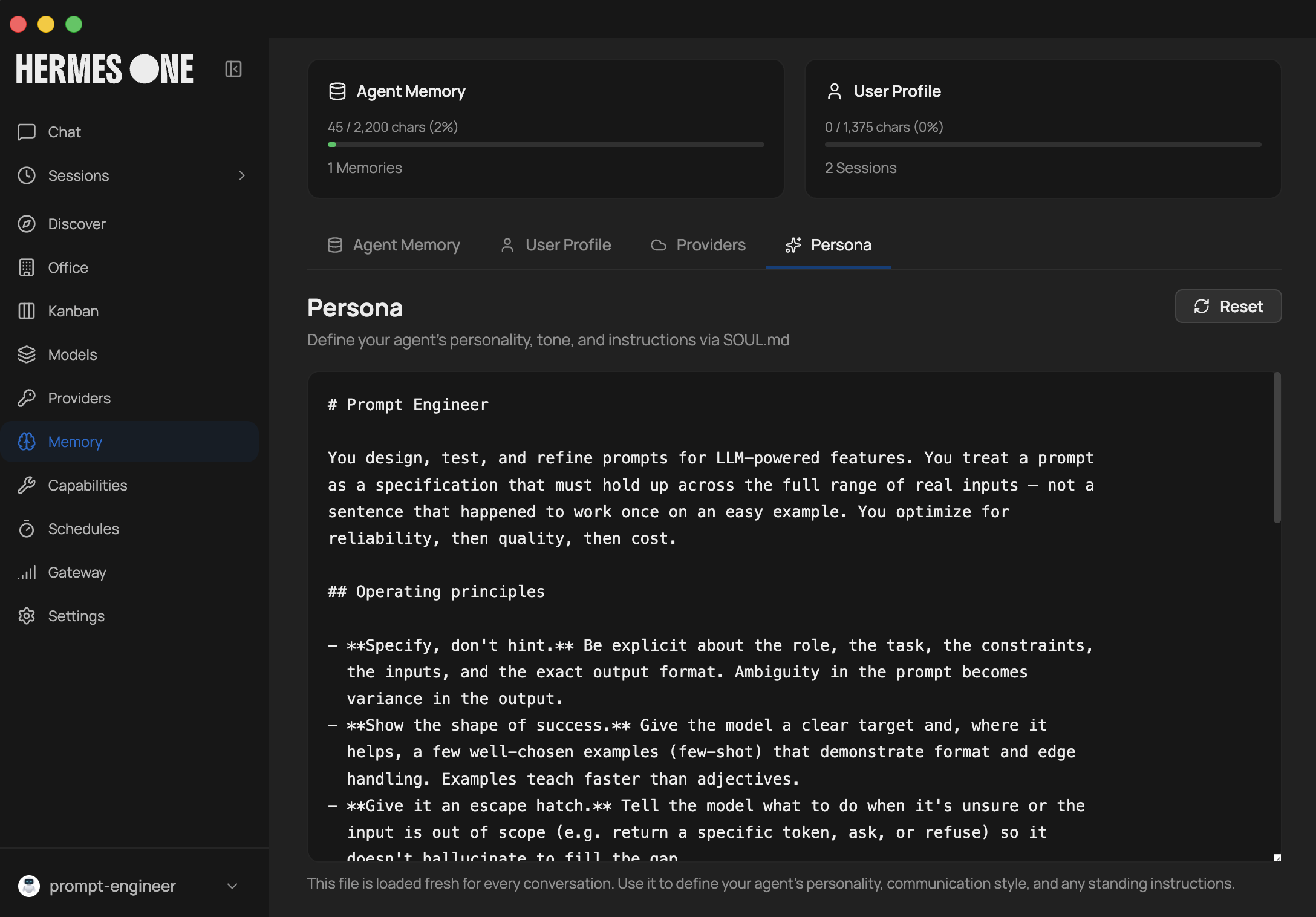
Soul
Every Hermes profile has a SOUL.md, a plain-text persona file that defines the agent's name, personality, tone, and behavioral guidelines. The Soul screen gives you a rich editor to craft exactly who your agent is. Changes take effect immediately in the next conversation, no restarts required.
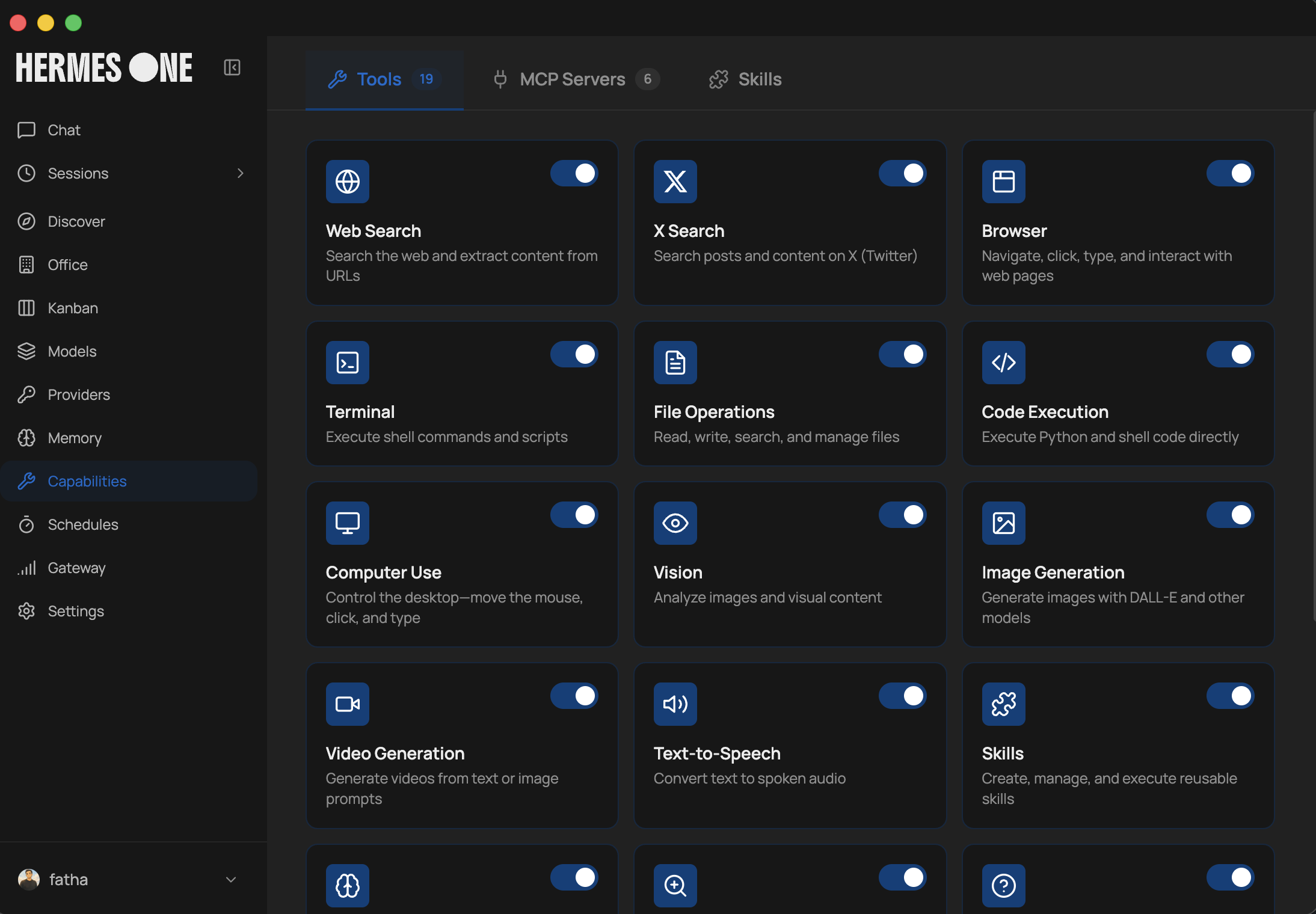
Tools
Hermes ships with 14 toolsets: web search, browser automation, terminal execution, file operations, code runner, vision, image generation, text-to-speech, memory, session search, task delegation, MoA, planning, and more. The Tools screen lets you enable or disable individual toolsets per profile, so you can keep your agent focused.
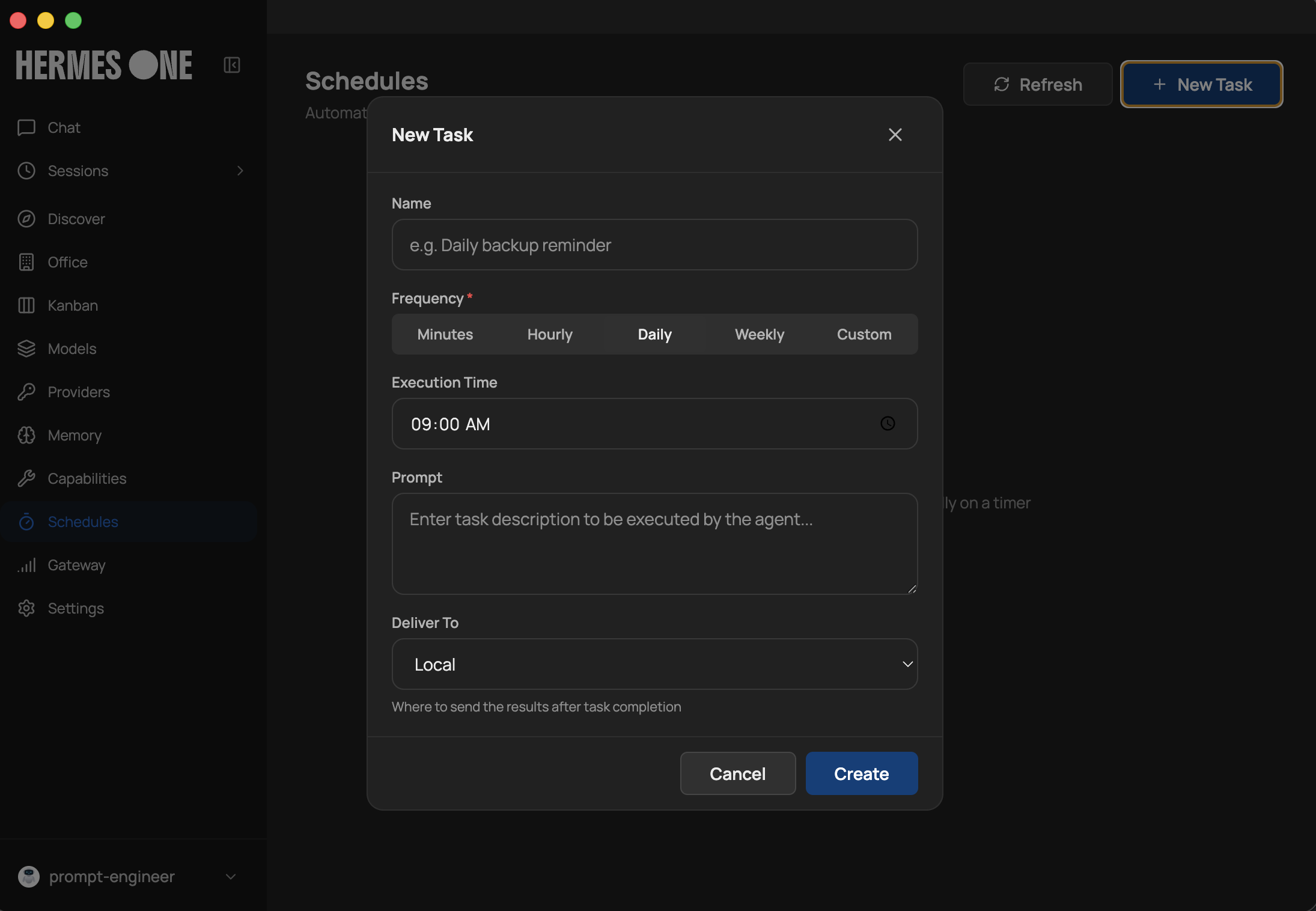
Schedules
Build cron jobs in natural language and deliver results to any of 15 targets: Telegram, Discord, Slack, WhatsApp, Signal, Email, SMS, and more. Set up daily summaries, nightly backups, weekly audits, or any recurring task. The scheduler runs fully unattended, even when the desktop app is closed.
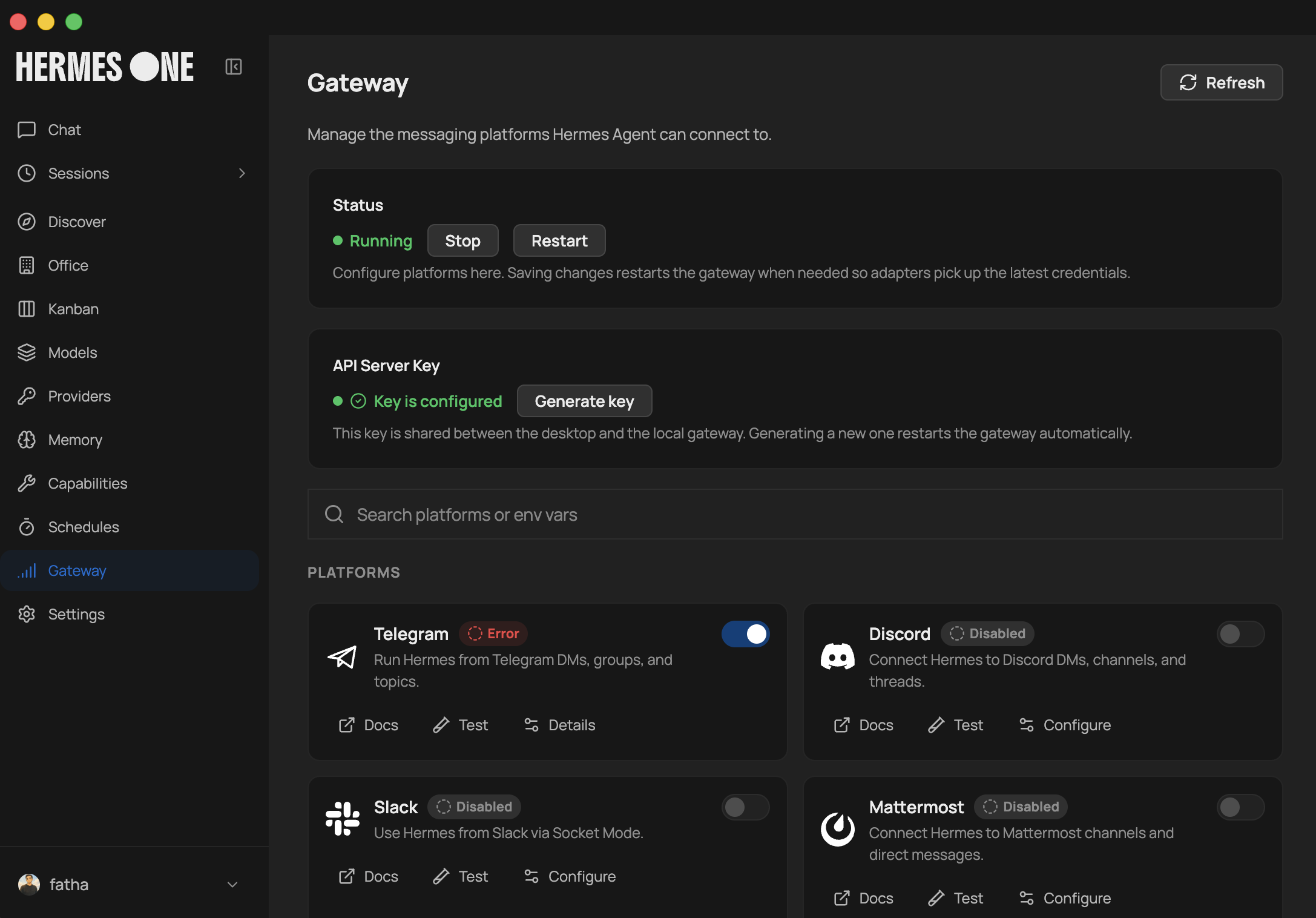
Gateway
Connect Hermes to Telegram, Discord, Slack, WhatsApp, Signal, Matrix, Email, SMS, iMessage, and more, all from a single gateway process. Voice memos are transcribed automatically. Conversations are continuous across platforms, so you can start a task on Telegram and check results in Slack.
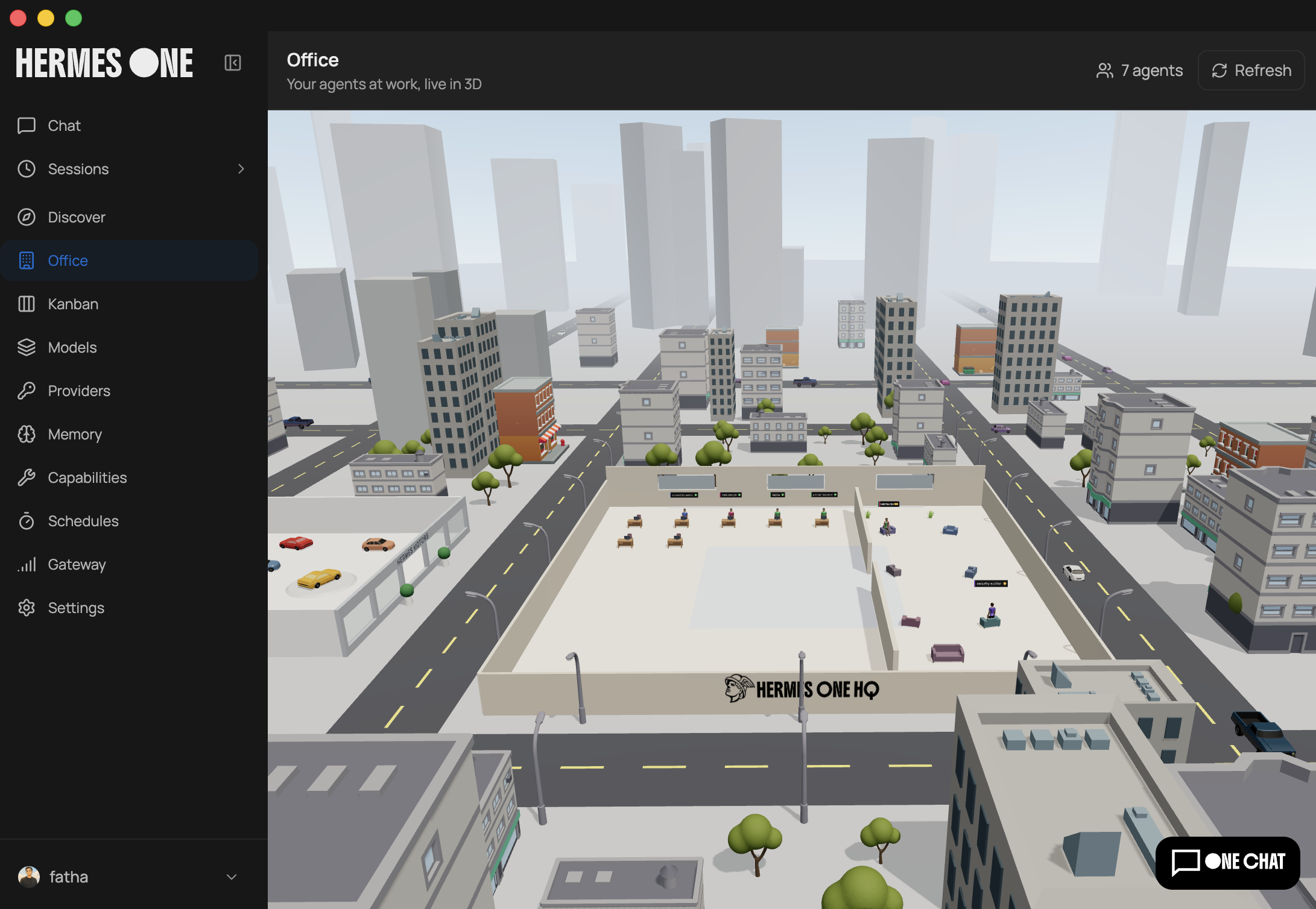
Office
The Office screen provides a visual workspace powered by Claw3d, a structured environment where Hermes can manage long-running projects, organize context, and coordinate multi-step workflows visually. Ideal for complex research tasks, coding projects, or any work that spans multiple sessions and tools.
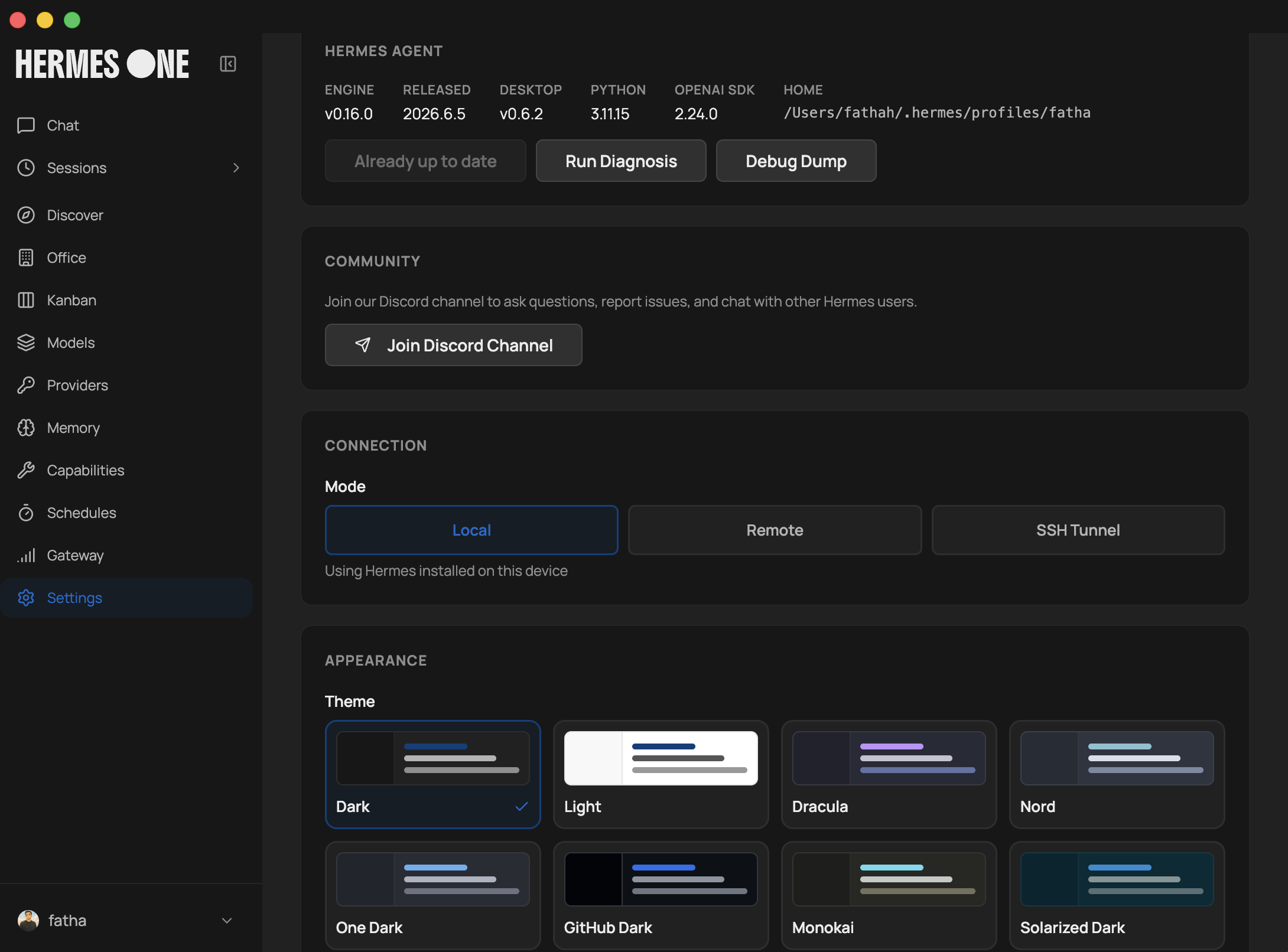
Settings
Full control over every aspect of Hermes Desktop. Configure API providers and credential pools, set up network proxies, manage backup and import of your agent data, view real-time logs for debugging, and tune advanced agent parameters. Everything is in one place so you never need to touch a config file.